Physics engine and PhysX assessments complete

Today marks the temporary completion of both my own physics engine, and my PhysX simulation, though they are both simplistic, I feel I have learnt alot throughout working on the two of them.

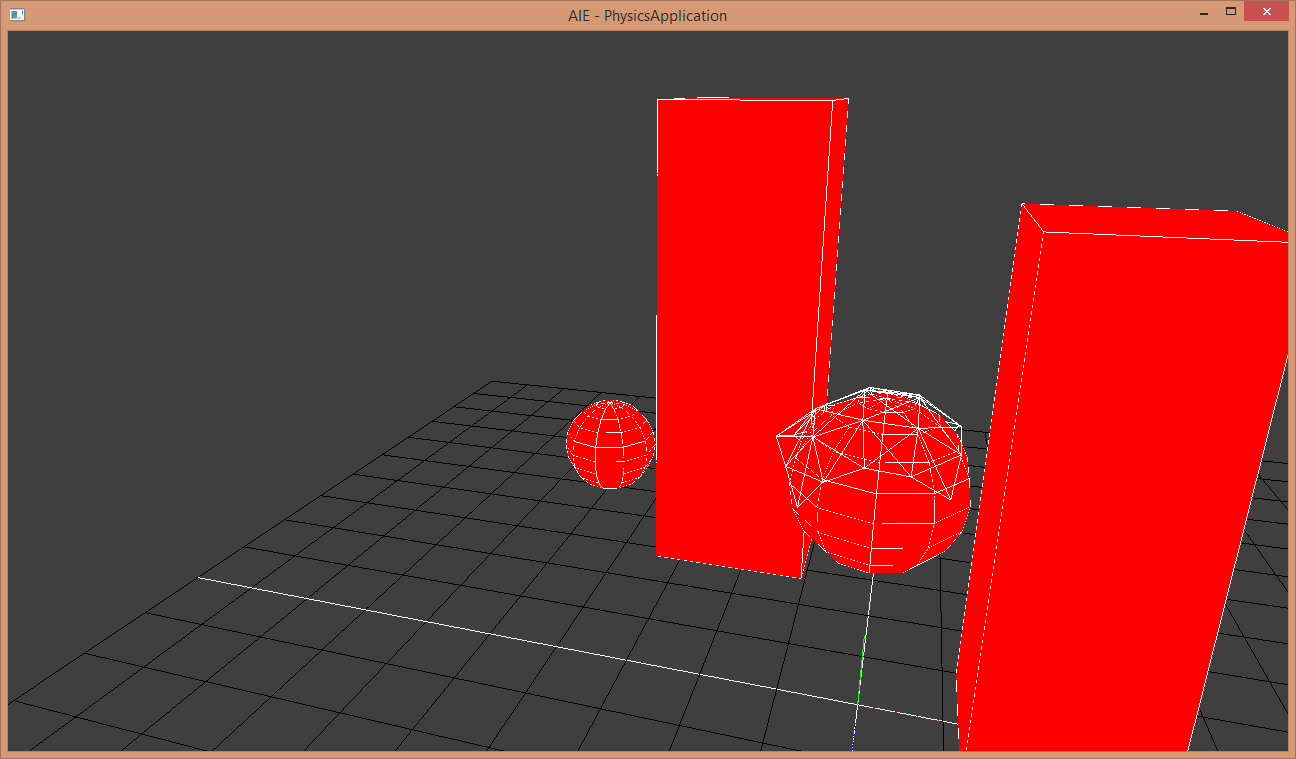
For the first Physics Application, I wrote my own physics engine, with all the collision detection and repsonse for spheres, planes, and AABB’s, as well as a spring system which can be used to connect two or more objects together using a tether like spring, or to connect, multiple points together to create a cloth simluation

WASD - Move camera
Shift - speed modifier for camera
Right Click + Move mouse - rotate camera
Left Click - shoot balls in camera direction
Image

Physics assessment – Click Here


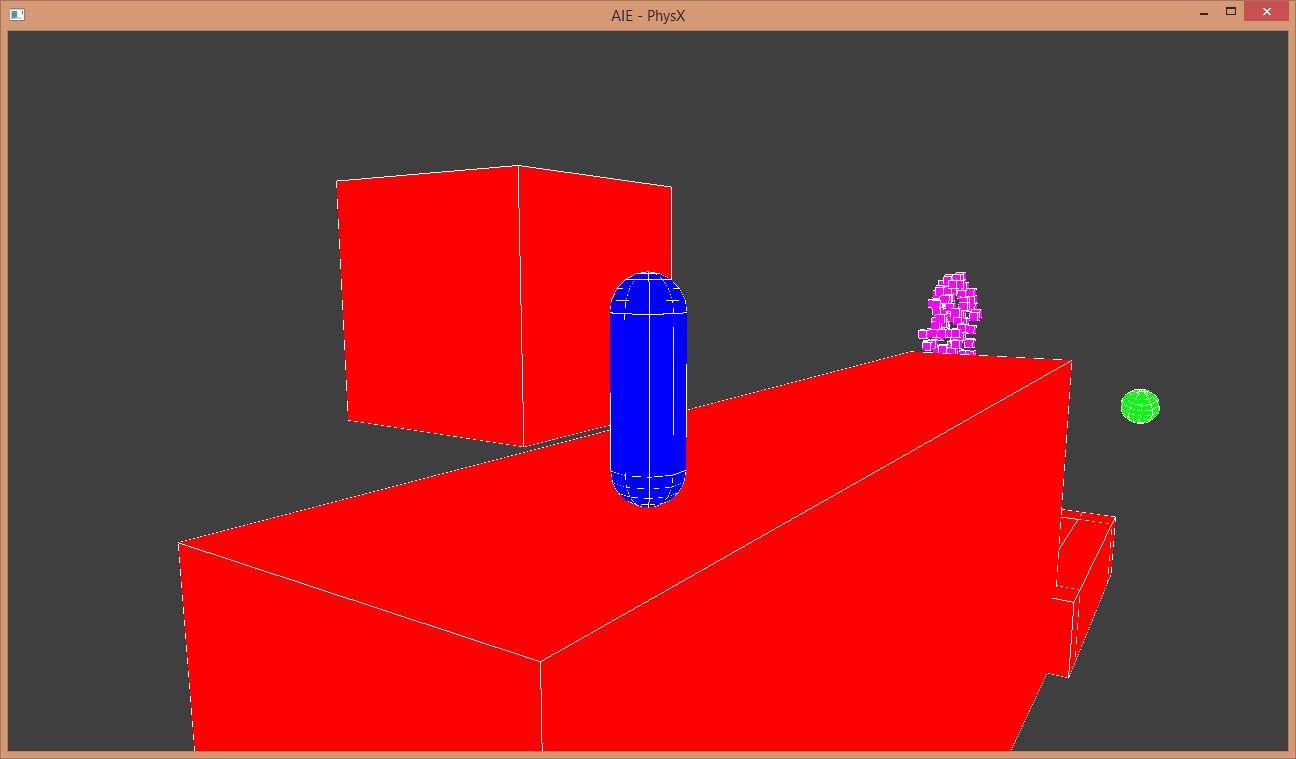
The second project shows my first attempt at physX API integration, how this one works is, the blue capsule uses a kinematic player controller, which is controlled by the user, once the cylinder collides with the red trigger point at the top of the stairs, a green ball will shoot at the rag doll standing at the other end of the platform, knocking him into the purple fluid simulation below

Capsule Controls:
UP - Forward
DOWN - Backward
LEFT - Rotate left
RIGHT - Rotate right
SPACE - Jump

Camera Controls:
F1 - Switch between 3rd person and free roam camera
RIGHT MOUSE BUTTON + MOUSE MOVE - Rotate Camera (Whilst in free roam)
W/A/S/D - Move Camera (Whilst in free roam)
 

Image

physX assessment – Click Here


Physics Engine Update

Since my last blog post, I have fixed the issue with the ball gaining speed, added in a spring system, and created a fun little demo to show what the engine currently does.

The issue with the balls gaining speed in the last post turned out to be the sphere to sphere collision resolution I didn’t realise this because the 2 sphere’s didn’t collide often, the cause was my elasticity calculations, but that’s been fixed up now.


The Spring System:

Image

The spring system works by setting up an object with a resting distance, a spring constant, and pointers to the 2 objects you want to connect to one another, once that is set up the update function calculates the distance between the 2 objects, minus’s the resting distance from that, and multiplies it by the spring constant, that result is then applied as a force to each ball in the direction toward the other ball. Keeping the balls in place, or moving them back into place in a springing motion if they’ve been displaced.


Physics Engine

Here is a look at the start of my first realtime 3D physics programming. I hope to complete 2 separate projects, the first being to write up a working simulation using the PhysX library.

And the second; to write a functional physics engine of my own.

Today’s post is and update on the latter of the 2.

Throughout the past week, (or just over) I’ve been working on collision detection and collision response, trying to get them to work in a realistic looking way.

I’m currently quite happy with my sphere to sphere collision detection and response, as well as my sphere to plane collision detection. However, the same can’t be said about the response calculations, when the spheres collide with a plane, their velocity is increased by a slight amount in the opposite direction, and without having friction calculations to slow them down, they just keep getting faster, I’m currently tracking the bug to decide whether the increase in speed is being caused by my force reaction calculation, or the spher colliding over multiple consecutive frames.