Today marks the temporary completion of both my own physics engine, and my PhysX simulation, though they are both simplistic, I feel I have learnt alot throughout working on the two of them.
For the first Physics Application, I wrote my own physics engine, with all the collision detection and repsonse for spheres, planes, and AABB’s, as well as a spring system which can be used to connect two or more objects together using a tether like spring, or to connect, multiple points together to create a cloth simluation
WASD - Move camera
Shift - speed modifier for camera
Right Click + Move mouse - rotate camera
Left Click - shoot balls in camera direction
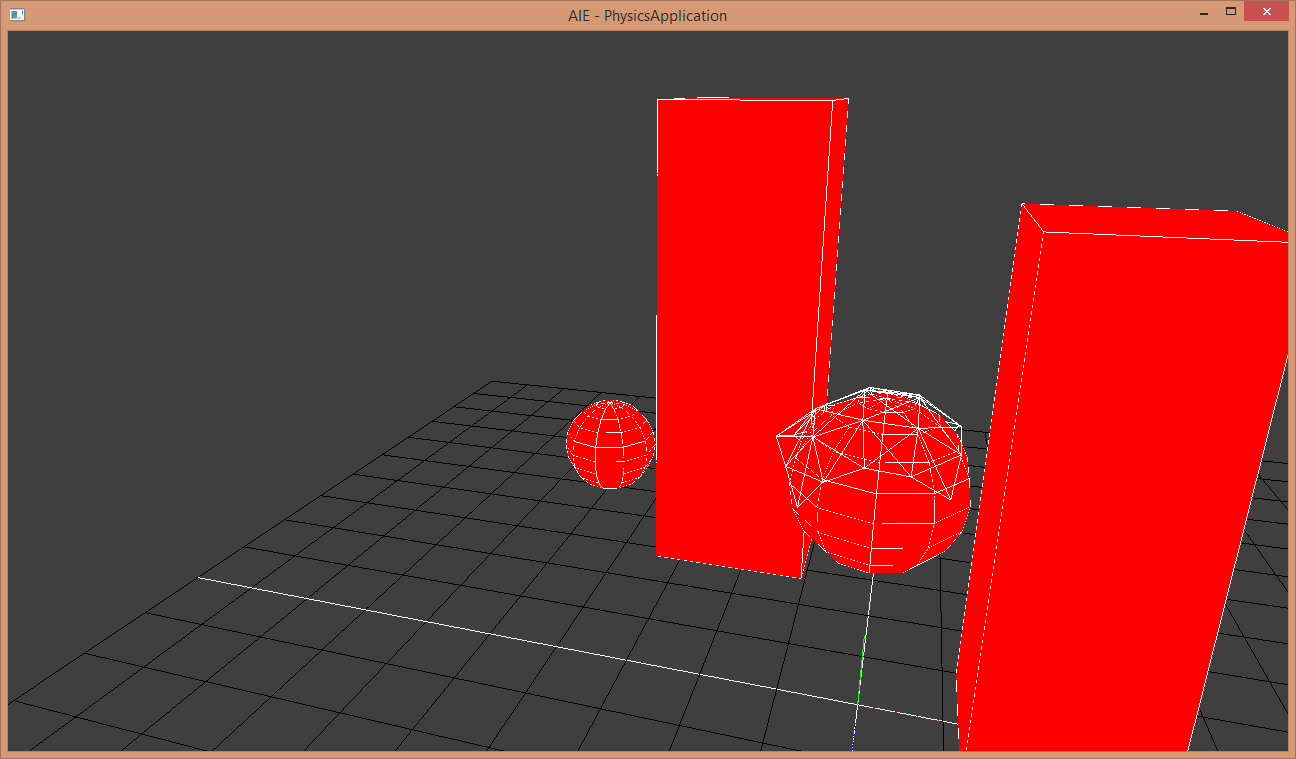
Physics assessment – Click Here
The second project shows my first attempt at physX API integration, how this one works is, the blue capsule uses a kinematic player controller, which is controlled by the user, once the cylinder collides with the red trigger point at the top of the stairs, a green ball will shoot at the rag doll standing at the other end of the platform, knocking him into the purple fluid simulation below
Capsule Controls:
UP - Forward
DOWN - Backward
LEFT - Rotate left
RIGHT - Rotate right
SPACE - Jump

Camera Controls:
F1 - Switch between 3rd person and free roam camera
RIGHT MOUSE BUTTON + MOUSE MOVE - Rotate Camera (Whilst in free roam)
W/A/S/D - Move Camera (Whilst in free roam)
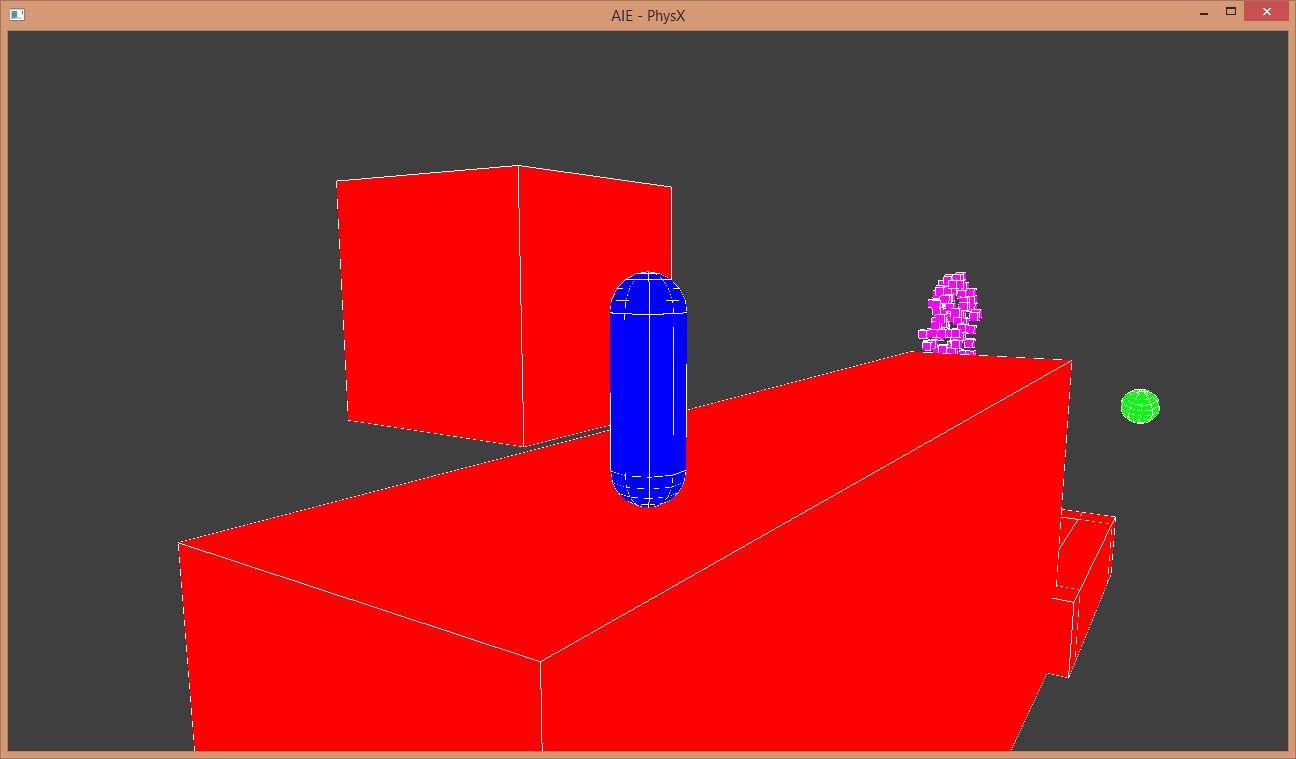
physX assessment – Click Here
 Darcy Abell